See real user behavior
Understand how people navigate, hesitate, and exit across key journeys.
Move from dashboards to direct evidence in seconds. ClickSight session recordings help teams pinpoint friction and validate fixes with confidence.
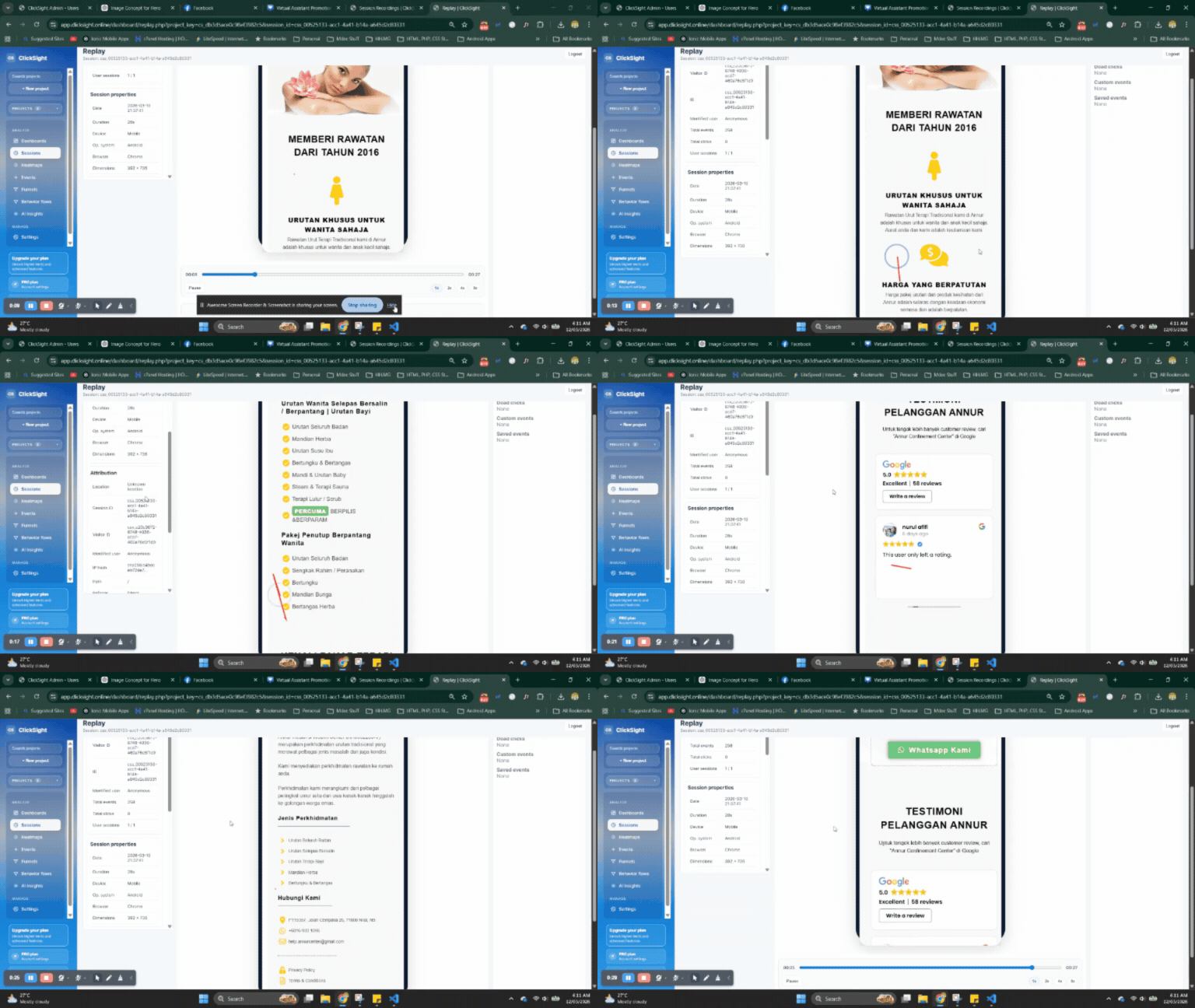
Understand how people navigate, hesitate, and exit across key journeys.
Review interaction context instead of guessing from aggregate metrics alone.
Identify frustration patterns and prioritize the pages that need immediate fixes.
Use events, UTM tags, or page criteria to focus analysis on meaningful cohorts.
Detect a drop in conversion, spike in exits, or unusual user behavior in your analytics views.
Narrow to traffic segment, page path, device type, or event criteria to isolate likely causes.
Replay sessions, confirm friction points, and share findings with product and growth teams.
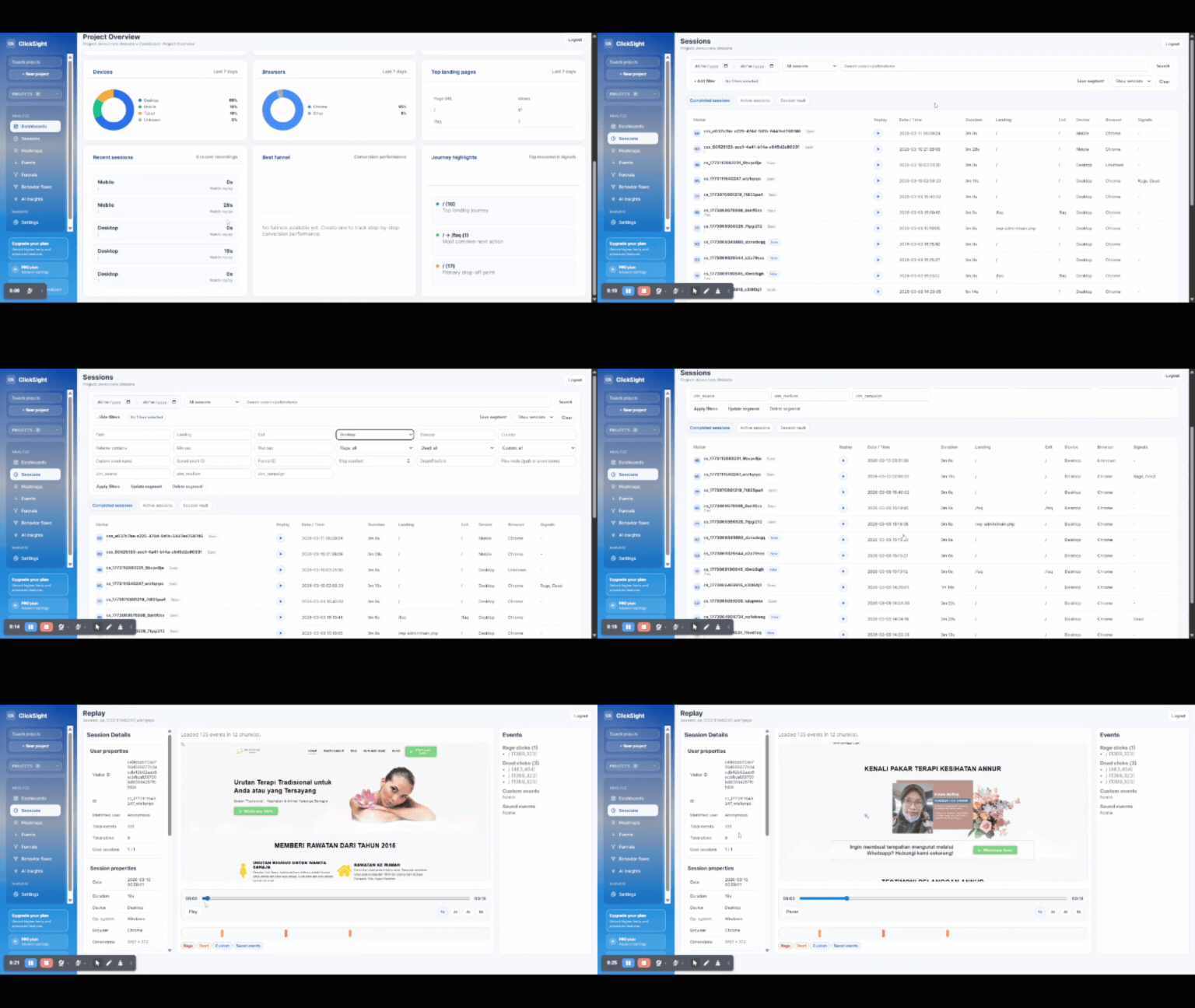
Review where buyers stall before payment and prioritize UX fixes that reduce abandonment.
Watch early user sessions to understand why signups do not complete activation steps.
Confirm new UI updates are understood by users and do not introduce new confusion.
Track behavior, isolate friction, and improve conversion with a replay workflow your team can act on fast.