See where users click most
Reveal high-engagement elements and understand what naturally attracts attention.
ClickSight heatmaps help teams visualize engagement across pages so design and conversion choices are based on behavior, not assumptions.
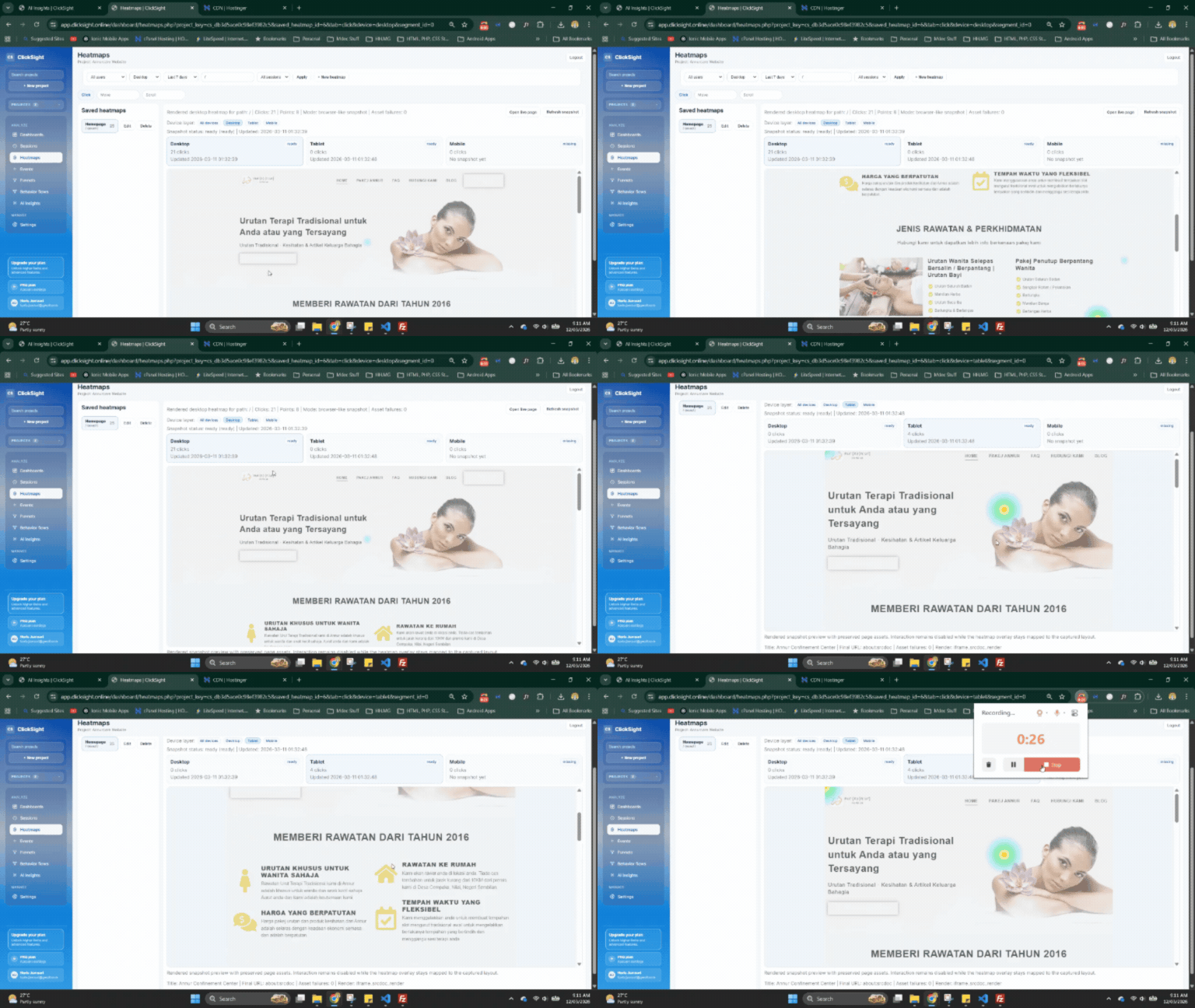
Reveal high-engagement elements and understand what naturally attracts attention.
Identify sections users skip so you can rethink placement, hierarchy, or messaging.
Benchmark key templates to find which layouts support stronger interaction outcomes.
Analyze heatmaps by device, channel, or campaign cohort for clearer decisions.
Choose your highest-impact screens such as home, pricing, product, or checkout pages.
Segment by traffic source, device, or period to isolate engagement trends.
Use available views today and upcoming views as they roll out to deepen analysis.
Check if users interact with primary CTAs or get distracted by lower-priority elements.
Validate whether visitors focus on plan differences or miss key conversion information.
Restructure dense pages based on where attention drops and scrolling behavior changes.
Use ClickSight heatmaps to prioritize UX updates that improve engagement and conversion where it matters.